Short answer Just open the next video in the same tab — the other side follows and re-syncs on its own.
An evening is rarely one video. You finish the episode and want the next one; you finish the film and want the short thing somebody mentioned. Most watch-party tools treat that as the end of the session: leave, create, copy, paste, wait. It does not have to be, because the room does not care what is playing in it — only that both sides agree.
What to do
Open the next video in the same tab. That is the whole procedure.
The extension notices the tab changed what it is playing, tells the room, and the other side's tab navigates to the same thing and re-attaches. The party does not end and the invite link does not change. Autoplay counts too: if the service rolls you into the next episode, that is a video change like any other and it propagates the same way.
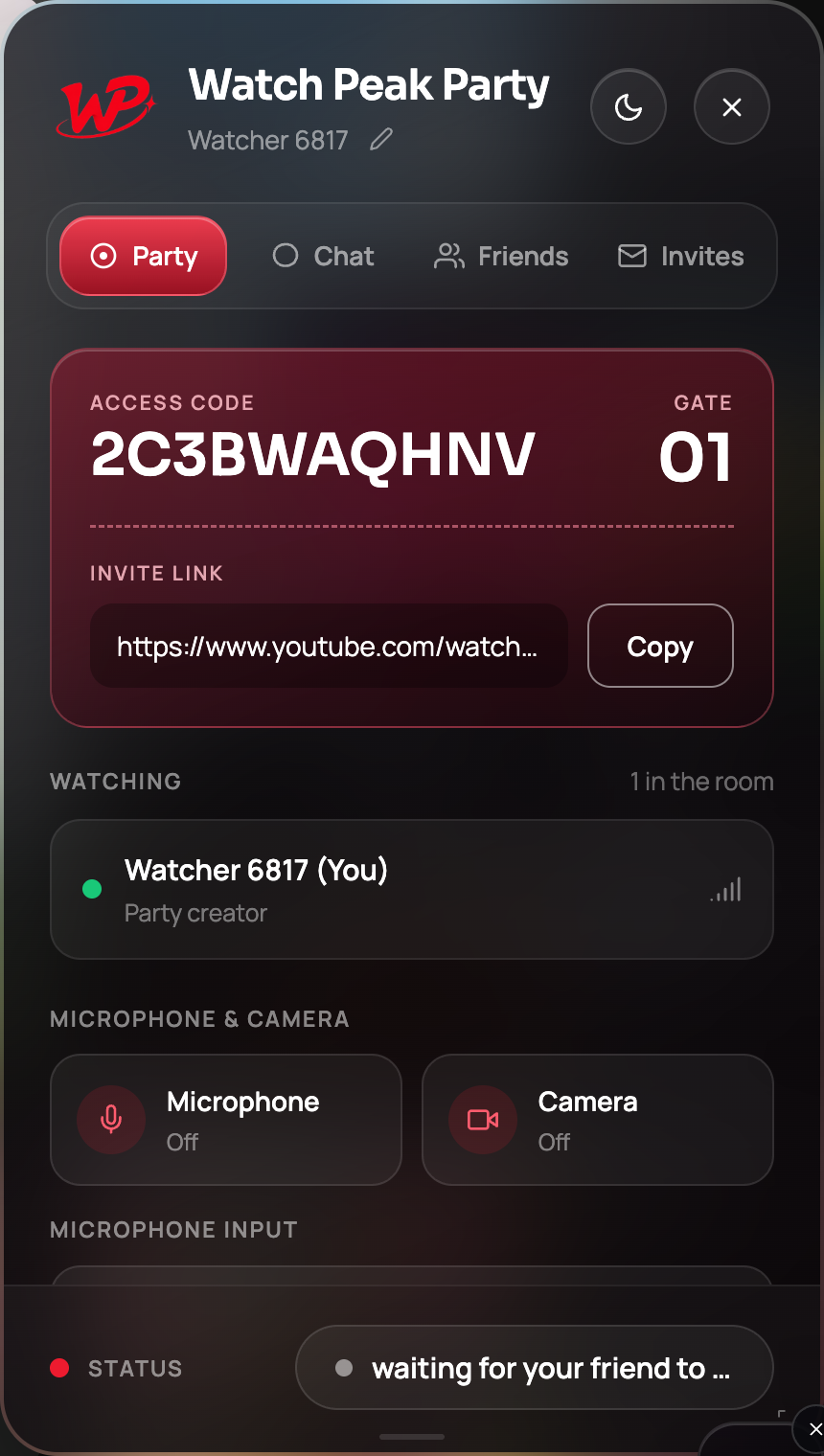
It worked when both tabs are on the new video and the status pill still reads party connected. If your side moved and theirs did not, see below.
What happens underneath, briefly
Worth knowing because it explains the failure cases. A video change is not "restart everything" — it is a new epoch inside the same room, and three things happen in order:
- The tab that changed reports the new video to the room.
- The other tab navigates to it. It does not tear down the party; the room and the chat survive.
- Both sides discard the previous video's positions and re-sync from scratch on the new one.
That third step is the one that matters. A position from the old video is meaningless in the new one, so it has to be thrown away rather than applied — which is exactly the bug that makes naive implementations jump the joining viewer back to the start of the wrong thing.
A re-delivered change event is ignored, and a video the tab has just followed is not followed again. Otherwise two tabs politely following each other can navigate in a loop.
When it does not follow
| What you see | Why | Fix |
|---|---|---|
| Their tab stayed on the old video | The change did not reach them — usually a dropped connection | Press Sync now; if the pill is amber, re-open the invite link |
| They followed but landed at the start | They arrived before their player had buffered anything | Press Sync now once their player shows a frame |
| You changed to a different service | A room points at one platform’s video at a time | Start a fresh party on the new service |
| You opened the video in a new tab | The party lives in the tab it was started in | Use the same tab, or start a party in the new one |
That last row is the one people hit most. The party belongs to a tab. Opening the next episode in a second tab leaves the party sitting in the first one, watching a video nobody is looking at.
The one service that needs patience
On Prime Video, give the other side a few seconds after a change before you scrub. Prime's player publishes a duration well before it has anything buffered, and a position pushed into that window is what produces its "we're currently experiencing a problem" screen. The extension already refuses to push a position into a player that has nothing to play, so this is a habit rather than a requirement — but a calm change gets you a clean one.
Common questions
Do I need to send a new invite link after changing the video?
No. The room is the same and the link is unchanged. Only what is playing in it changed.
Does the chat history survive a video change?
Yes. The room survives, so the conversation does.
Can I switch from YouTube to Netflix mid-party?
No. A room points at one platform’s video at a time — start a fresh party on the other service.
What if we both change the video at once?
The room settles on one of them and both sides converge on it. Nobody ends up watching something the other cannot see.
One link. Same second. No screen sharing.
Watch Peak Party keeps YouTube, Netflix, Prime Video, Crunchyroll, Disney+, Hulu, HBO Max and JioHotstar in sync — with chat, voice and video built in.
Add to Chrome