
Short answer To watch Disney+ together in sync, install the Watch Peak Party extension in both browsers, open the title so the URL reads disneyplus.com/play/…, press Start party in the panel and send the invite link. You each play from your own Disney+ account — the party shares only where you are in the film, never the video itself.
If you went looking for GroupWatch recently and could not find it, you are not imagining things — Disney's own group feature has moved around and thinned out across clients, and what is available depends on where you are and what you are watching on. A browser extension sidesteps the question: it does not need the service to offer a group feature at all.
What you need
- Chrome 116 or newer, or another Chromium browser — Edge, Brave and Arc all
run it. That floor is
minimum_chrome_versionin the manifest, not a guess. - The extension in both browsers. Playback is kept in step by the extension running on each side, so the person you are watching with installs it too. It is the only thing either of you has to do more than once.
- Your own Disney+ access. A party shares the position in a video, never the video itself and never your session. You each sign in to your own account.
- The same title in both catalogues. Disney+ regional catalogues differ more than most. Check the title exists for both of you before you plan an evening around it.
The four steps
-
Get into the player, not the detail page
Press play on Disney+ first. The address you want is
disneyplus.com/play/<id>— that is the shape the extension recognises as a specific thing to watch. Starting the party from a browse page gives the room nothing to point at. -
Click the WP badge
The round badge floats over the corner of the window. If it is not there, reload the tab once: a tab opened before the extension was installed has no extension in it.

The badge, close up. Same object on every supported service, and you can drag it anywhere. -
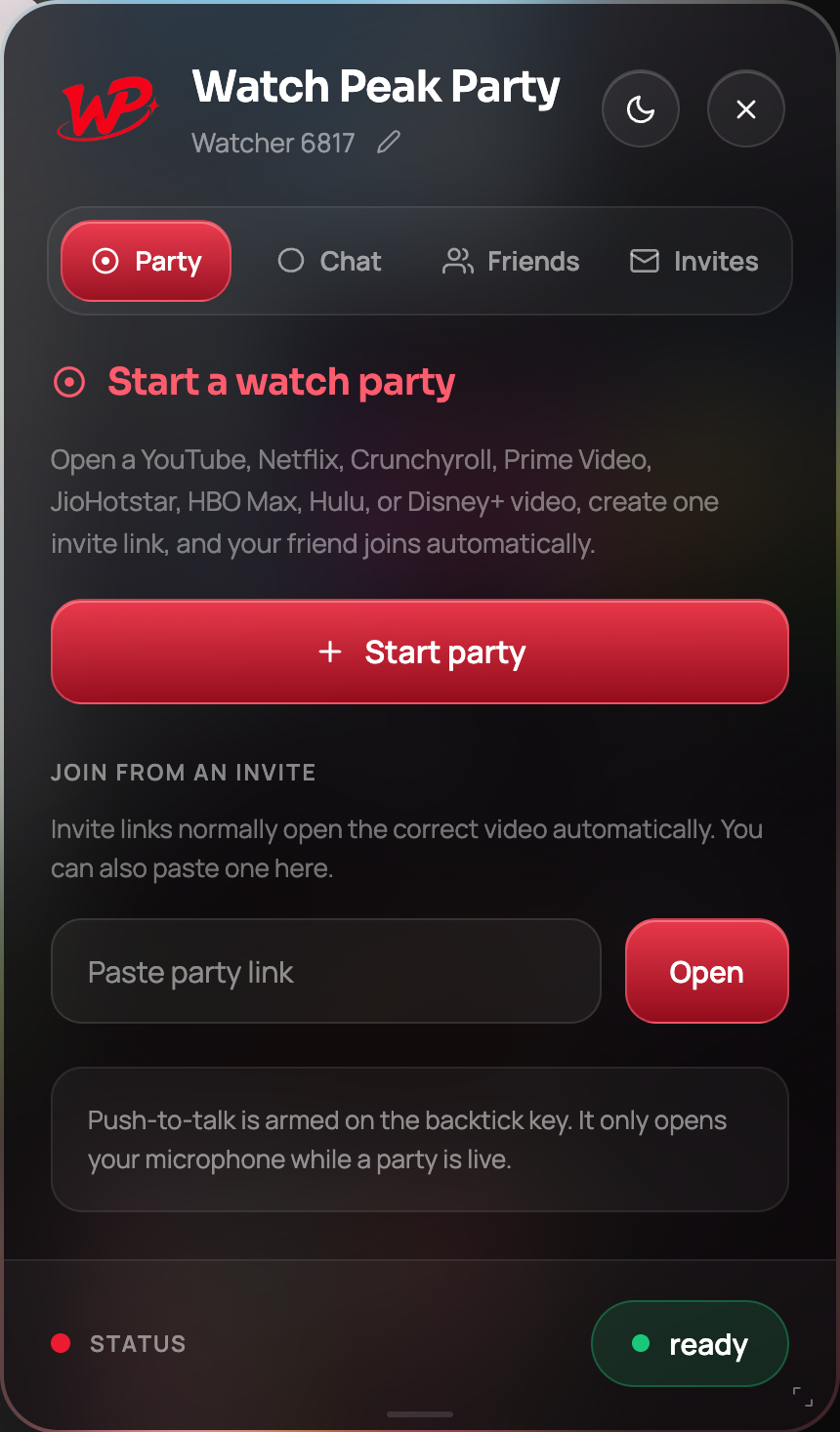
Press Start party
The panel switches to its live state and the status pill reads waiting for your friend to join.
-
Send the invite link
Copy and send. They land on the same title and join the room without typing anything.
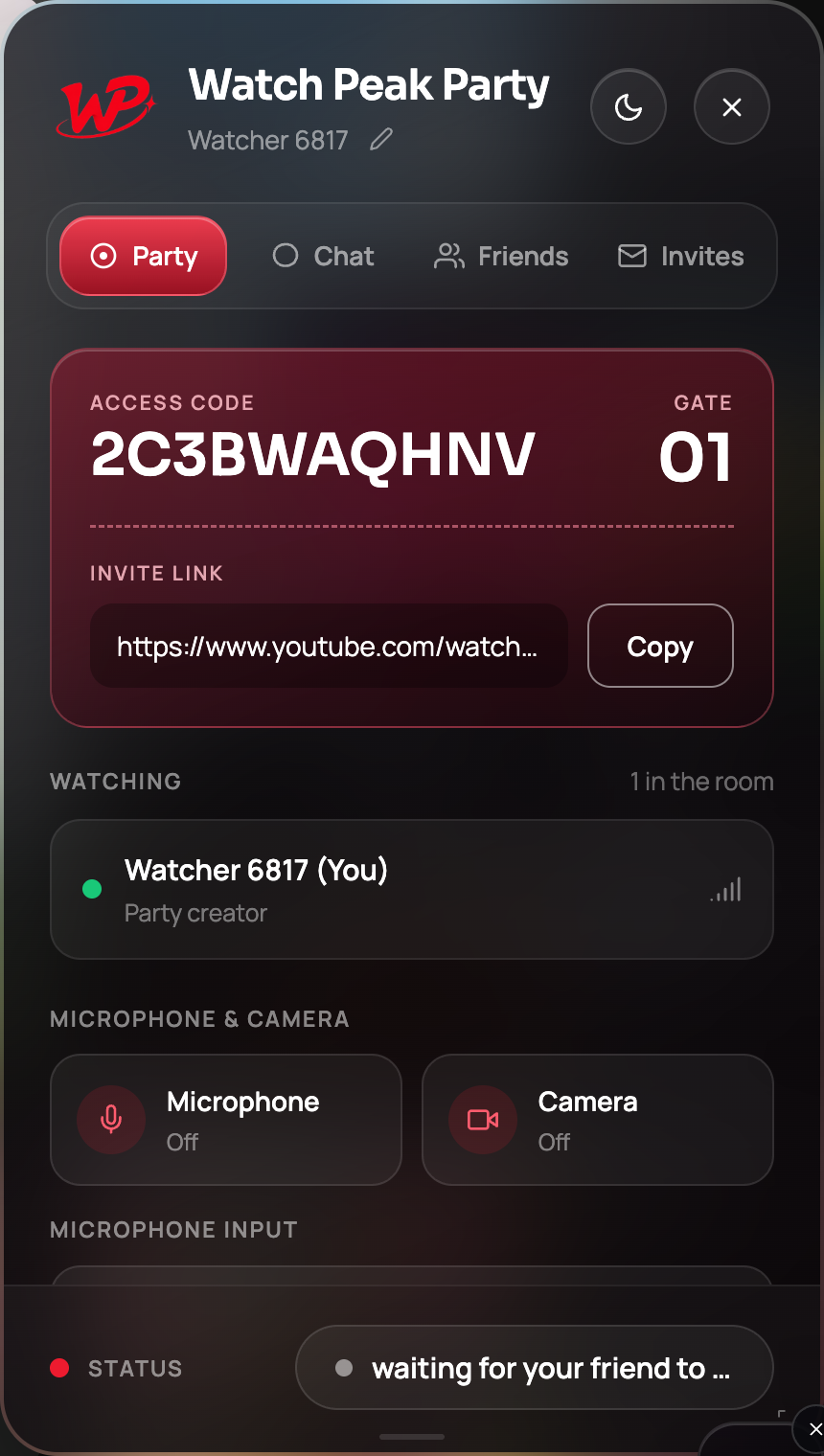
The link identifies the title and the room. It carries no part of your Disney+ session.
You are done when the Watching list shows two people and a pause on either side stops both players within about a second.
How this compares to GroupWatch
Where GroupWatch is available it is the more integrated option — it is Disney's own feature, inside Disney's own player. The extension's case is a different one:
| GroupWatch | Watch Peak Party | |
|---|---|---|
| Availability | Varies by client and region | Any Chromium desktop browser |
| Services | Disney+ only | YouTube, Netflix, Prime Video, Crunchyroll, Disney+, Hulu, HBO Max and JioHotstar |
| Voice chat | No | Yes, with push-to-talk |
| Reactions | Emoji | Text chat, voice, camera |
If GroupWatch is there and works for you both, there is no reason to add anything. The extension is for the case where it is not, or where the evening is not only Disney+.
A note on kids profiles
Disney+ kids profiles restrict what the account can reach, and the party respects that — it shares a position, not permission. If a title is outside a profile's rating, that profile cannot play it inside a party either.
The panel itself is not a place to put a child either way: it is a chat surface with a live microphone button in it. Run the party on the adult profile.
Common questions
Does this work if GroupWatch is unavailable in my country?
Yes. The extension does not use any Disney+ group feature — it synchronises two ordinary playback sessions, so it does not depend on GroupWatch being offered.
Can we watch on a TV or the Disney+ app?
No. Both sides need to be watching in a Chromium desktop browser, because that is where the extension runs.
Do we need the same subscription tier?
No, but each of you needs your own access to the title. Quality is negotiated per viewer.
Does it sync subtitles?
No. Subtitles and audio track are per-viewer settings, deliberately — you can read subtitles while the other person does not.
One link. Same second. No screen sharing.
Watch Peak Party keeps YouTube, Netflix, Prime Video, Crunchyroll, Disney+, Hulu, HBO Max and JioHotstar in sync — with chat, voice and video built in.
Add to Chrome