
Short answer To watch Hulu together in sync, install the Watch Peak Party extension in both browsers, open the episode at hulu.com/watch/…, click the WP badge, press Start party and send the invite link. Each of you streams from your own Hulu account at full quality — only the position in the episode travels between you.
Hulu has no group-watch feature of its own, so every answer to "how do we watch this together" is a third-party one. The good news is that Hulu's web player is a fairly ordinary one, so a party on Hulu behaves the way you would expect. The wrinkle is ads, and it is worth understanding before you plan a film night around it.
What you need
- Chrome 116 or newer, or another Chromium browser — Edge, Brave and Arc all
run it. That floor is
minimum_chrome_versionin the manifest, not a guess. - The extension in both browsers. Playback is kept in step by the extension running on each side, so the person you are watching with installs it too. It is the only thing either of you has to do more than once.
- Your own Hulu access. A party shares the position in a video, never the video itself and never your session. You each sign in to your own account.
- Both of you in a country where Hulu operates. Hulu is not available everywhere, and a party cannot change that — the extension synchronises playback, it does not route video.
The walkthrough
-
Open the title in the player
Press play on Hulu so the address becomes
hulu.com/watch/<id>. That id is what the room points at, so both of you land on the same episode rather than the same series hub. -
Click the badge, press Start party
The panel opens over the page without resizing the player.
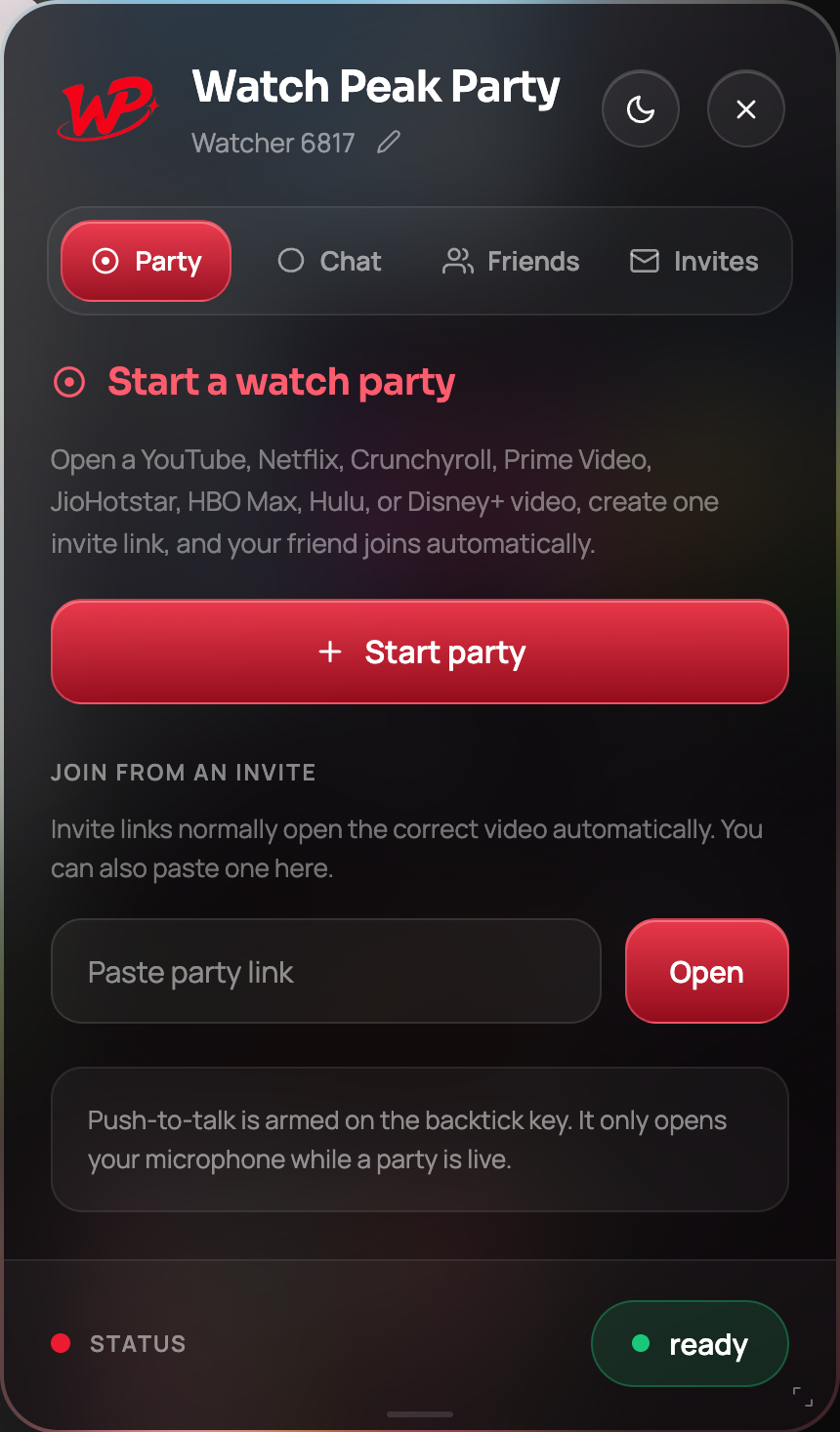
The Party tab before the room exists. -
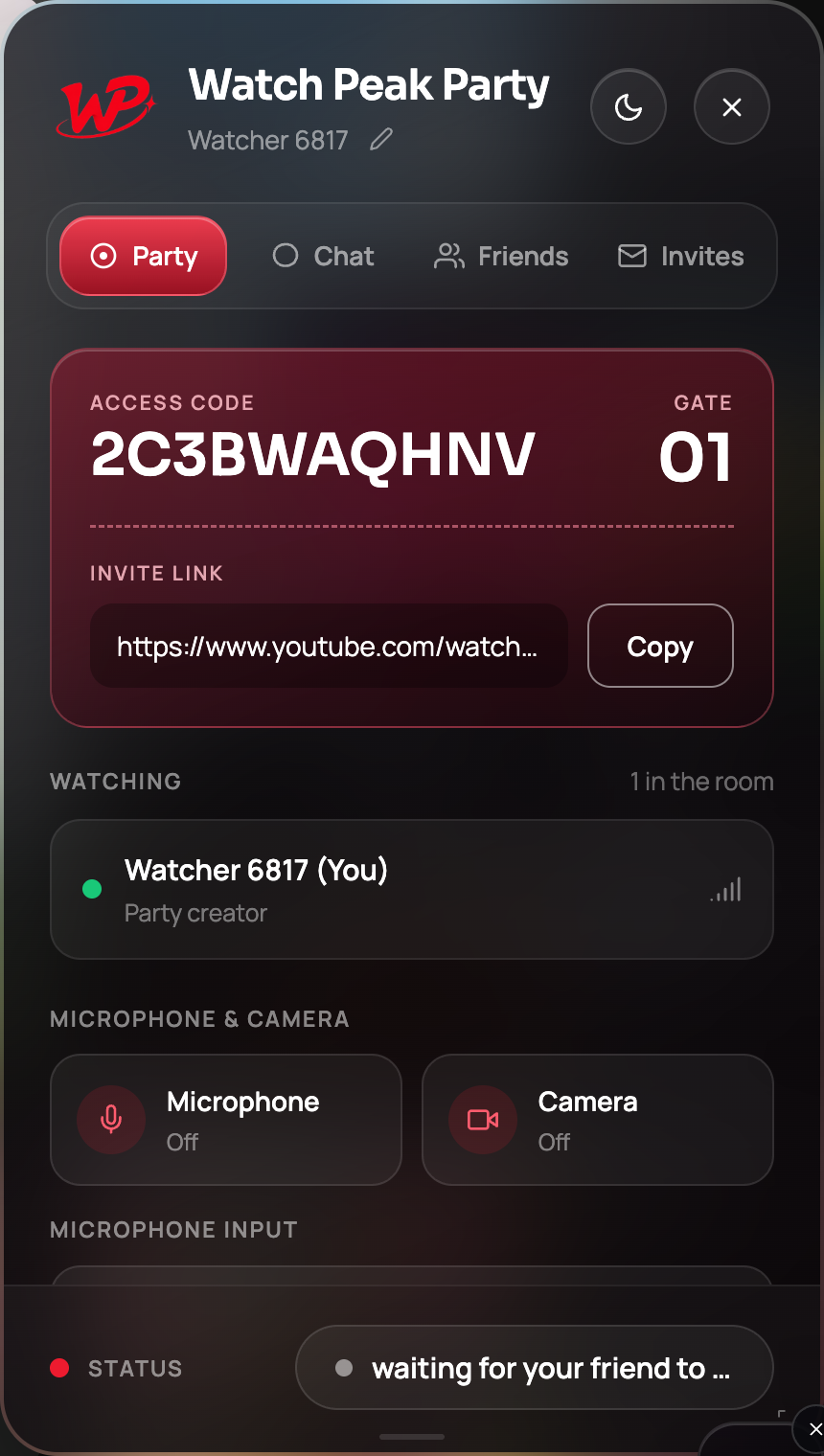
Send the invite link
Copy it and send it. One link, one click on their side.
-
Press play when they appear
When the Watching list shows two people, press play. Either side can drive from then on.
You are done when a pause on one side stops the other inside a second or so, and both players show the same frame.
Ad breaks and what they do to a party
On an ad-supported Hulu plan, breaks are inserted by Hulu for each viewer independently. Two consequences:
- Your breaks may not land together. One of you can be watching an ad while the other is still in the scene. Neither player is wrong.
- Ad time is not content time. A party corrects position when the two sides drift more than about half a second, so the person still in the show is not dragged backwards by the person in a break — the correction resolves once both are back on content.
If you find breaks genuinely disruptive, the honest options are the ad-free tier or a short pause after each break to re-align with Sync now.
Hulu's live channels are a different animal: there is no shared timeline to agree on, because a live stream's position is whatever the edge server gives each viewer. Parties are for on-demand titles.
Talking during a show, not over it
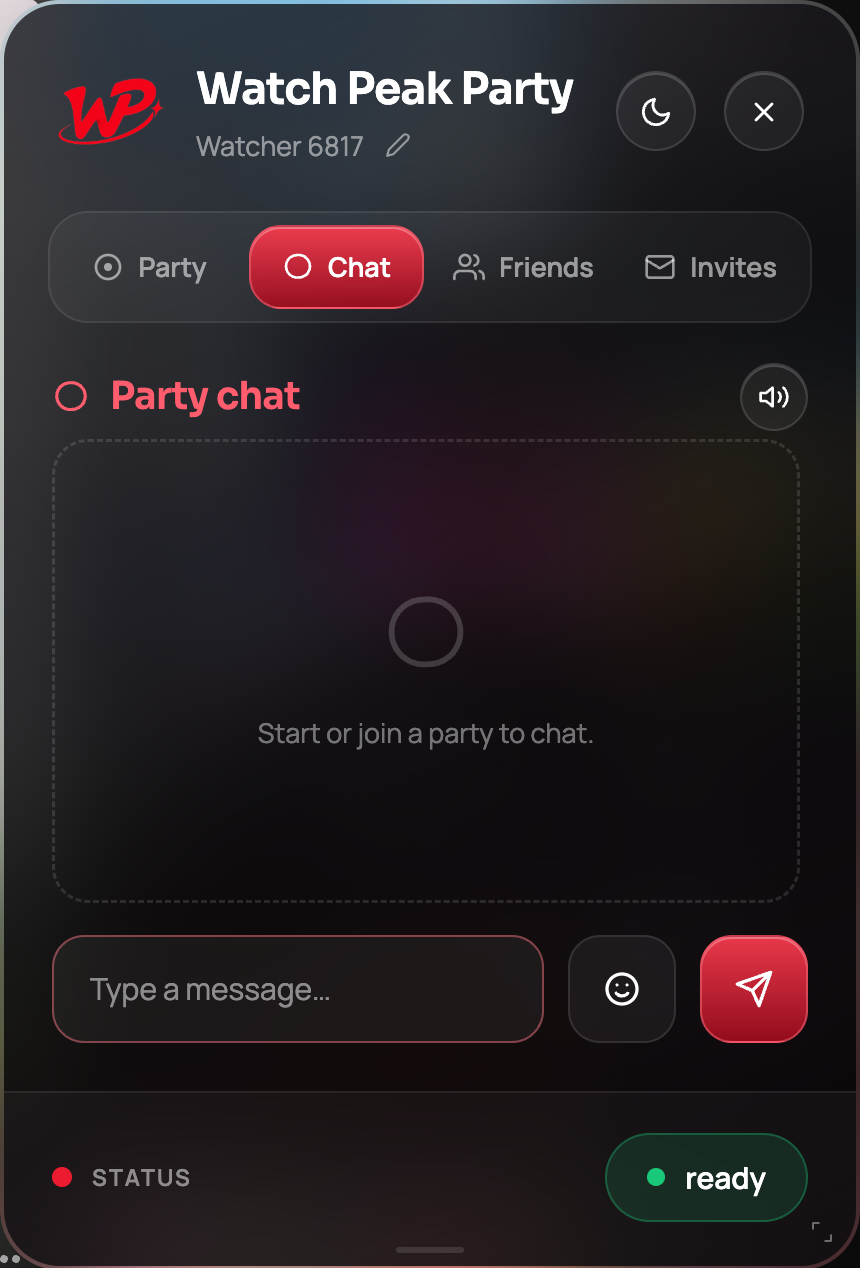
The panel gives you three registers, and the reason there are three is that a comedy and a thriller want different ones:
- Text chat — unlimited, free, and silent. The default.
- Push-to-talk on ` — your microphone opens only while you hold it.
- An open microphone — press once and talk freely. Best for a rewatch.
Common questions
Does Hulu have its own watch party feature?
Hulu has offered a Watch Party feature to some subscribers on some plans over time. This extension does not depend on it and works from the ordinary web player.
Do we need the same Hulu plan?
No. Each side streams from their own account, and quality is negotiated per viewer.
Can we sync a live channel?
No. A live stream has no shared position to agree on. Use on-demand titles.
Does it work on the Hulu mobile app?
No. It is a Chrome extension, so both sides watch in a Chromium desktop browser.
One link. Same second. No screen sharing.
Watch Peak Party keeps YouTube, Netflix, Prime Video, Crunchyroll, Disney+, Hulu, HBO Max and JioHotstar in sync — with chat, voice and video built in.
Add to Chrome