Short answer Reload the tab. A page that was already open when you installed the extension has no extension in it.
The badge is the entry point to everything, so when it is missing the product appears to be entirely absent. It almost never is. The single most common cause is a browser rule that is invisible unless you know it exists: a content script cannot appear in a page that was already loaded.
1. Reload the tab
This is the answer roughly nine times in ten. Extensions inject their code as a page loads. A tab that was open before the extension was installed — or before it was updated — has no extension in it, and no amount of clicking will change that. Reload the tab once.
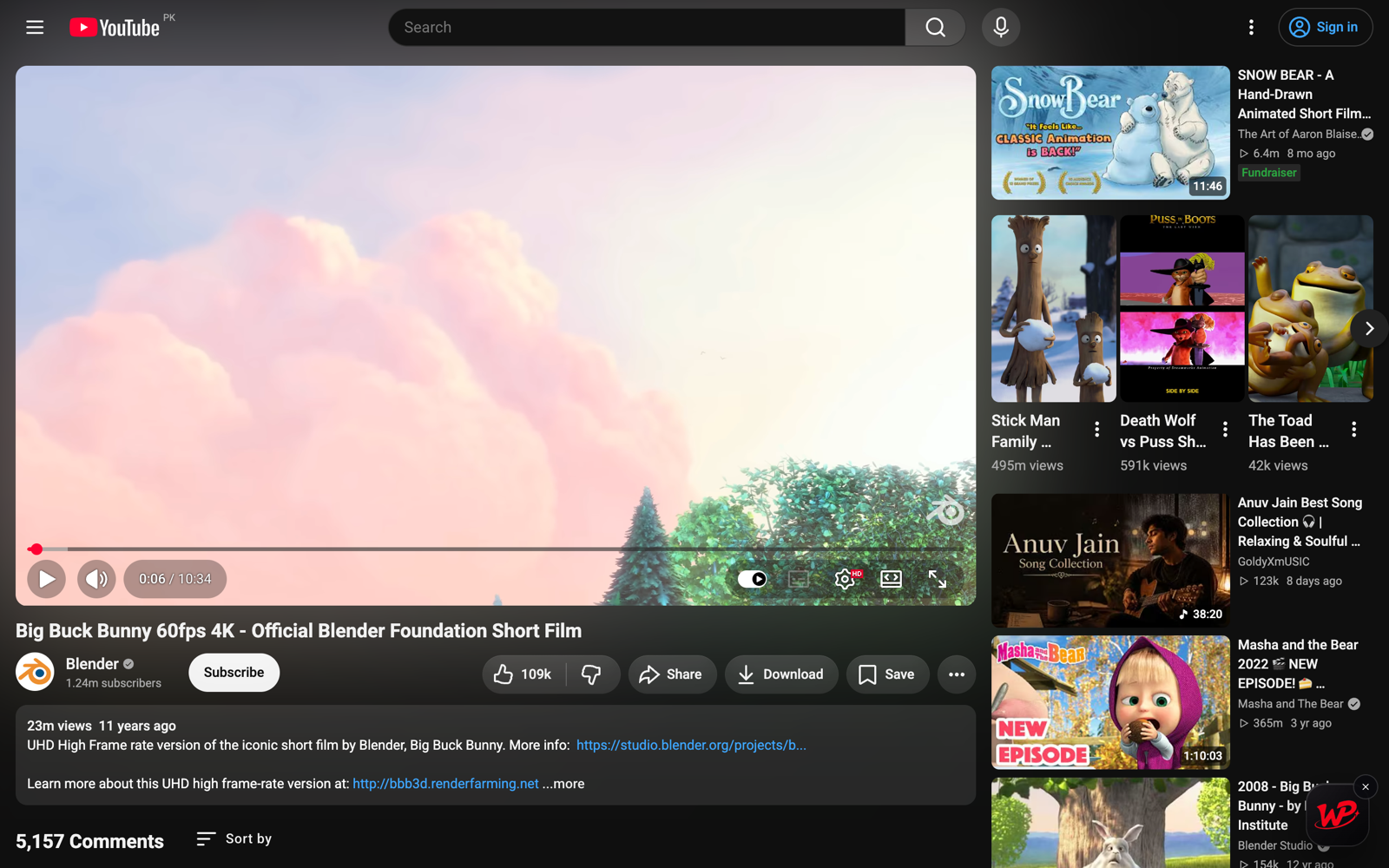
The same applies right after an update. If the badge disappeared for no reason and you had not restarted Chrome in a while, that is what happened.
2. Check the site is one of the eight
The extension is matched to specific hosts, not to any page with a video. As of version 5.4.0 those
are YouTube (including youtu.be), Netflix, Prime Video, Crunchyroll, Disney+, Hulu, HBO Max — both
max.com and hbomax.com — and JioHotstar on both hotstar.com and
jiohotstar.com.
Anywhere else, there is deliberately nothing to show. This is a privacy property rather than a limitation: an extension matched to eight hosts cannot run on your bank's website. If a service you want is missing, that is a feature request, not a bug — and it is not something a setting can turn on.
3. You dragged it somewhere
The badge is draggable and its position persists across sites and sessions. If you once dropped it in an awkward corner, that is where it still is — possibly behind a player control, or at the very edge of a window that is now a different size.
Look along all four edges before concluding it is gone. It is also the reason a badge can look missing on one monitor and be perfectly visible on another.
4. The extension is disabled, or blocked on this site
Open chrome://extensions and check Watch Peak Party is switched on. While you are there,
open its details and check Site access — if it has been narrowed to "on click", the badge
appears only after you invoke the extension on that page.
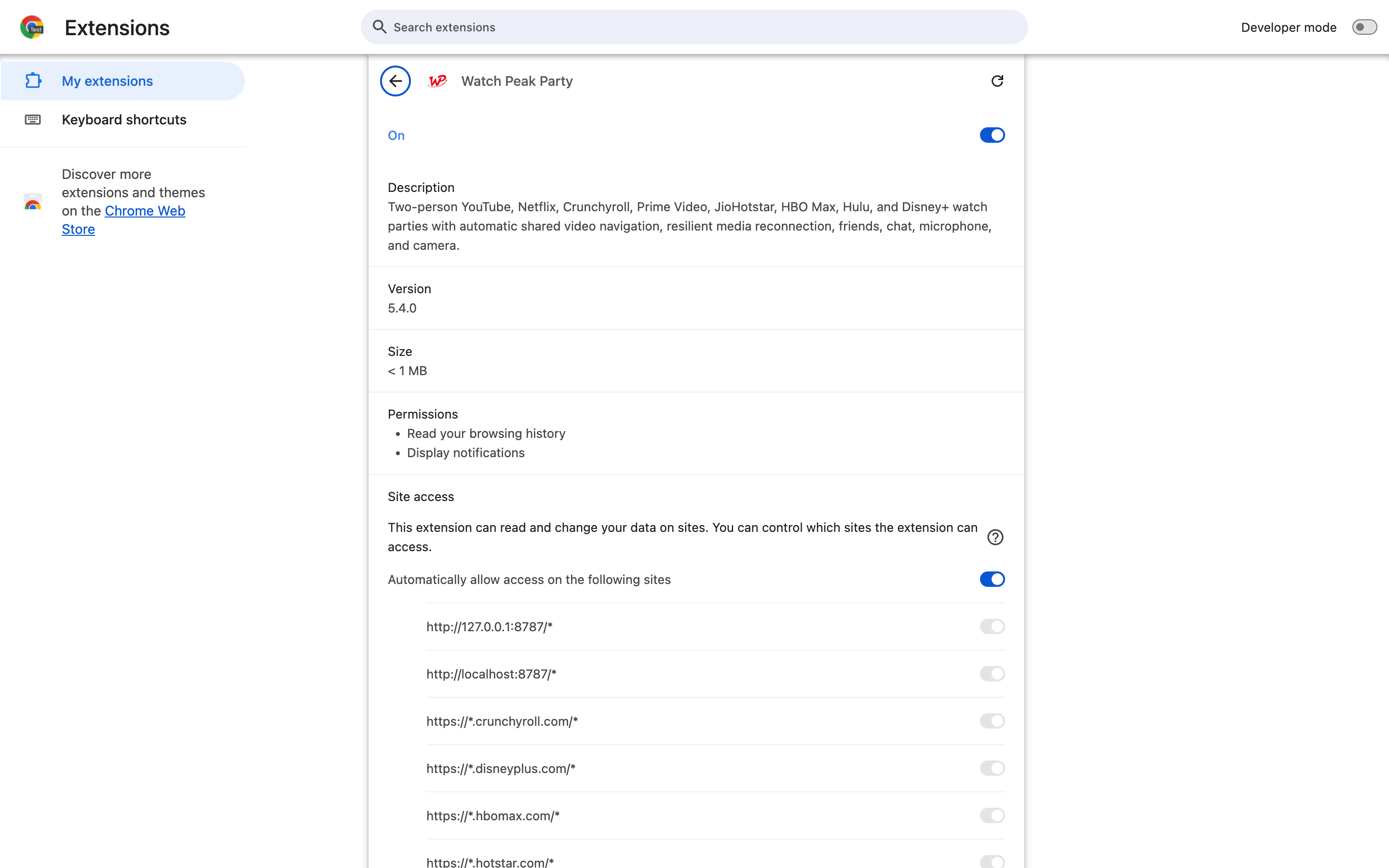
Chrome also disables extensions in Incognito unless you allow it explicitly, and in a Guest profile it does not run at all.
5. Something else is blocking it
Rarer, but real:
- Another extension. Aggressive script or element blockers can remove an injected overlay. Disable them on this site to test — not permanently, just to identify the culprit.
- An enterprise policy. A managed profile can restrict which extensions may run and where.
chrome://policywill say so. - An unsupported browser. Chrome 116 is the floor, and it must be Chromium — Safari and Firefox are not supported.
You are fixed when the round red WP badge is visible over the page and clicking it opens the panel on the Party tab.
Common questions
Why did the badge disappear after an update?
Tabs opened before the update still contain the old code, or none. Reload the tab.
Why is there no badge on my other streaming site?
The extension is matched to eight services only. Everywhere else it does not run at all, which is deliberate.
Does it work in Incognito?
Only if you allow the extension in Incognito explicitly in chrome://extensions.
Does it work in Firefox or Safari?
No. It needs a Chromium browser, version 116 or newer.
Can I move the badge?
Yes — drag it. The position is remembered across sites and sessions.
One link. Same second. No screen sharing.
Watch Peak Party keeps YouTube, Netflix, Prime Video, Crunchyroll, Disney+, Hulu, HBO Max and JioHotstar in sync — with chat, voice and video built in.
Add to Chrome