Short answer Read the status pill; if it is amber, re-open the invite link to rejoin the same room.
Connection problems split cleanly in two: either the room is not there, or the room is there and playback is not agreeing. Those need completely different fixes, and the panel already tells you which one you have — in the pill at the bottom that everyone scrolls past.
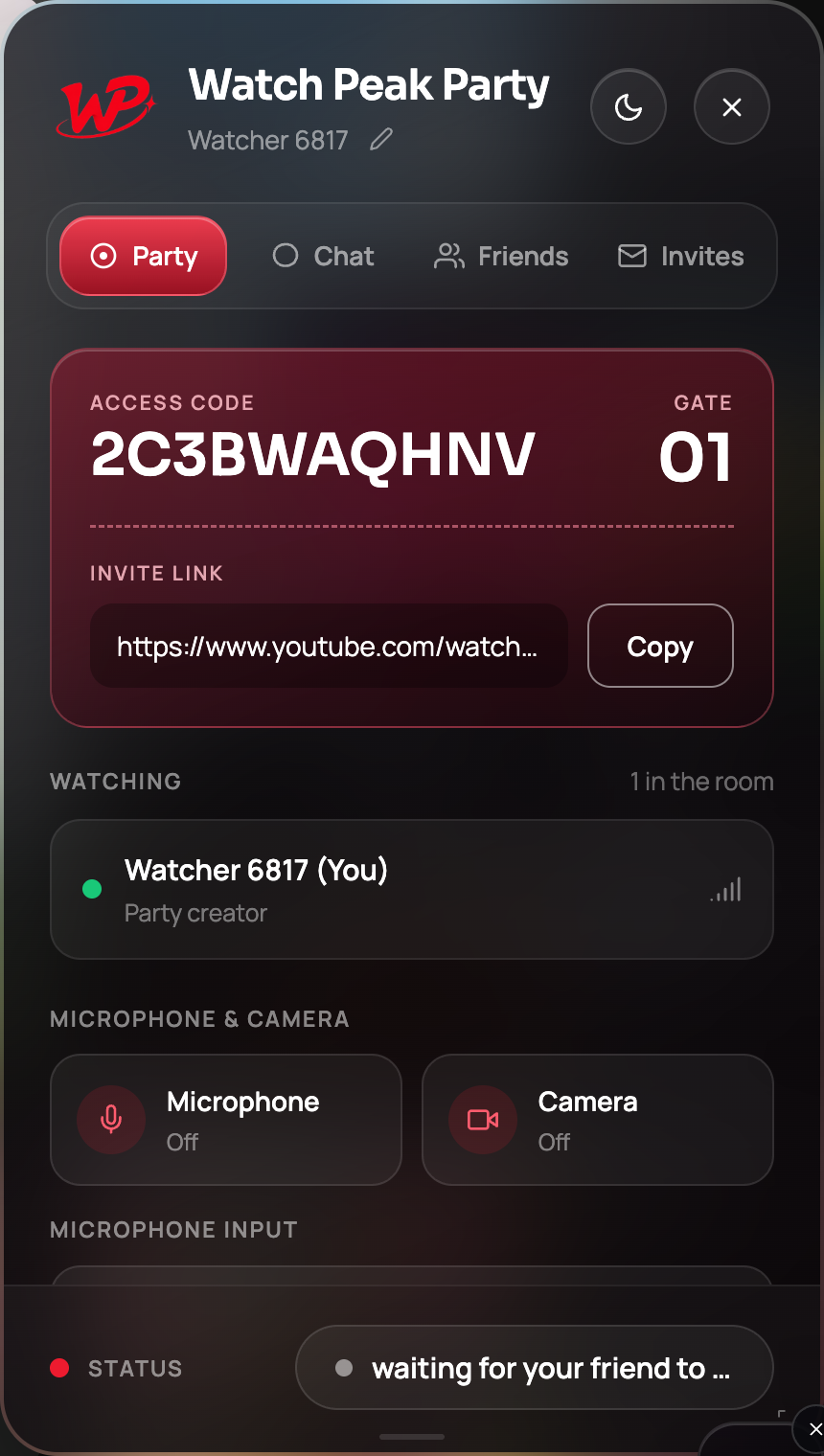
What the status pill is telling you
| Pill reads | Means | Do |
|---|---|---|
| ready | The extension is live on this page. No party yet. | Press Start party |
| waiting for your friend to join | The room exists and holds one person. | Send the invite link — or they have not opened it yet |
| party connected | The room is healthy. | Any remaining problem is playback, not connection |
| Amber | The room lost its connection. | Re-open the invite link to rejoin the same room |
The important distinction: party connected plus a problem means read the drift guide instead. Nothing in this post will help.
Stuck on "waiting for your friend to join"
The room is fine. Your friend has not arrived. In order of likelihood:
- They have not opened the link. Ask. This is the answer more often than anything technical.
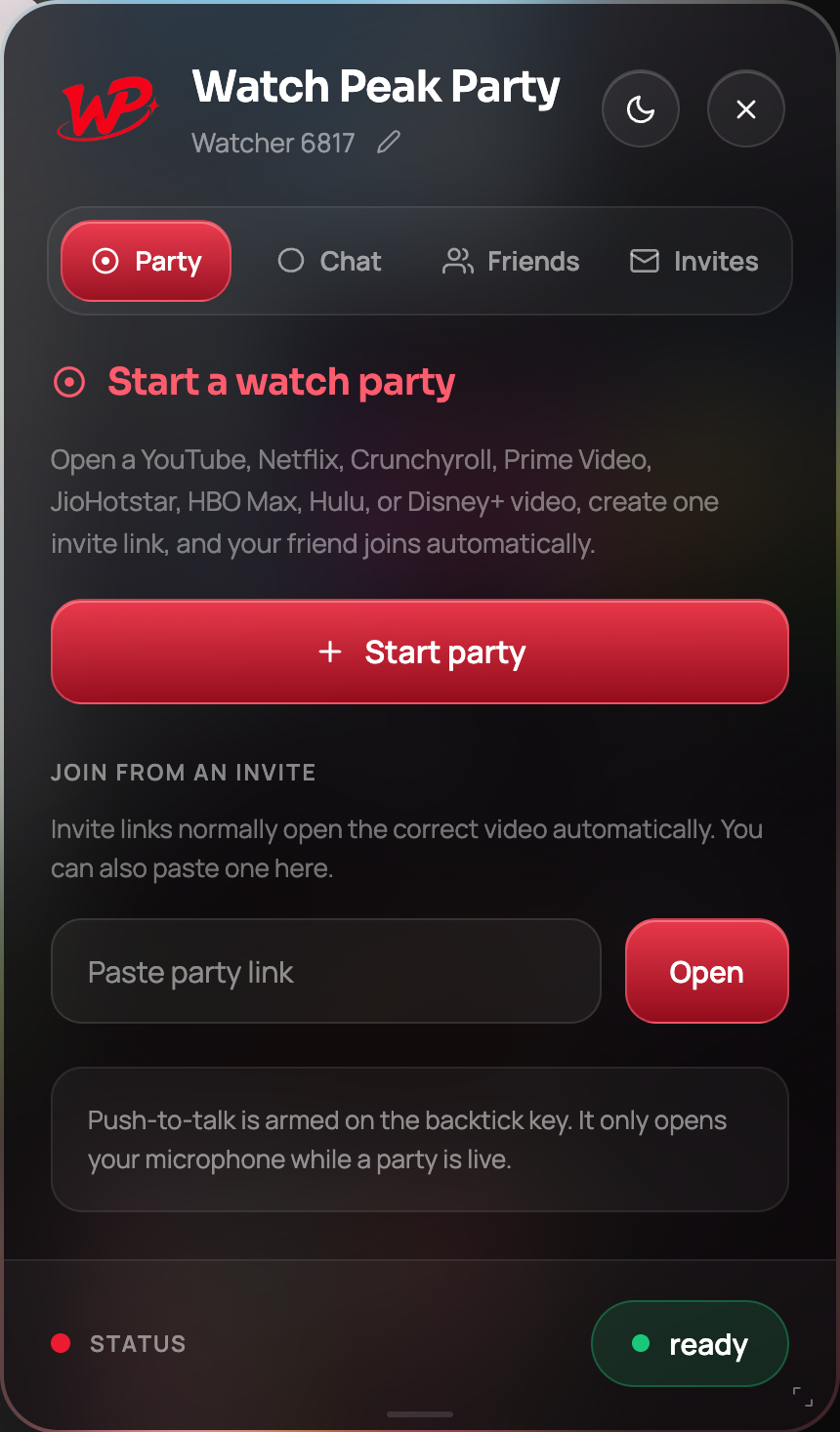
- The link opened in an app's built-in browser. Messaging apps do this, and an in-app browser has no extensions in it, so nothing joins. They should copy the link into a real Chrome window and use Paste party link on the Party tab.
- They do not have the extension yet. The link sends them to install it; it works afterwards.
- Someone else took the second place. A room holds two people and the server refuses a third. If you sent the link somewhere public, start a new party.
It connects and then drops
A room that keeps falling over usually has an environmental cause rather than a bug:
- A sleeping laptop. A machine that suspends drops everything. So does closing the lid.
- Wi-Fi roaming. Moving between access points mid-film re-establishes connections.
- A restrictive network. Corporate, campus and hotel networks commonly block the protocols real-time media needs. Text chat and sync may survive where voice and camera do not — that asymmetry is itself the diagnosis.
- A VPN. Some block peer connections outright. Try without it to identify whether it is the cause.
If sync and chat work but voice and camera never connect, you are almost certainly behind a network that blocks real-time media. That is a network policy, not something the extension can route around.
The order to try things in
- Re-open the invite link. Five seconds, and it rejoins the same room.
- Reload the tab, then re-open the link. This clears a stuck page as well as a stuck room.
- Have the other person do both of those.
- Start a fresh party and send a new link. If a room has genuinely gone, this is faster than diagnosing why.
- Only then start suspecting the network — and test it by seeing whether chat works while voice does not.
You are healthy when the pill reads party connected, both names are in the Watching list, and a pause on either side stops the other within about a second.
Common questions
What does the amber status pill mean?
The room lost its connection. Re-open the invite link and you rejoin the same room.
Does re-opening the invite link start a new party?
No. It rejoins the existing room, which is why it is the first thing to try.
Why does the link do nothing for my friend?
Most often it opened in a messaging app’s built-in browser, which has no extensions. They should paste it into Chrome using Paste party link.
Chat works but voice never connects. Why?
Usually a network that blocks real-time media — common on corporate, campus and hotel Wi-Fi, and on some VPNs.
Can a third person join if the link leaks?
No. The server refuses a third participant; a room holds two.
One link. Same second. No screen sharing.
Watch Peak Party keeps YouTube, Netflix, Prime Video, Crunchyroll, Disney+, Hulu, HBO Max and JioHotstar in sync — with chat, voice and video built in.
Add to Chrome