Short answer Screen sharing re-encodes one screen for everyone; a party lets each side stream natively and shares only the position.
Screen sharing a film to someone is the default move, because the call software is already open. It also produces, reliably, the worst viewing experience available to a modern household: a 4K stream re-encoded down to something like 720p at a low bitrate, audio slipping against the picture, and the whole thing collapsing to a slideshow whenever somebody's Wi-Fi hiccups.
Why it degrades so badly
Because the video is encoded twice and transmitted through a channel designed for a very different job. Call software is optimised for talking heads: it assumes a mostly-still frame, prioritises low latency over detail, and drops quality aggressively the moment the network tightens. A film is the opposite of a talking head — motion in every frame, dark scenes full of gradients, and detail that matters.
| Screen sharing | Synchronised party | |
|---|---|---|
| Picture | One re-encode of the sharer's screen, typically 720p or less | Each side's own native stream, up to whatever their plan allows |
| Audio sync | Drifts against the picture, and cannot be fixed from either end | Each side plays its own audio with its own video, so it cannot drift |
| Bandwidth | The sharer uploads video for everyone, all evening | Each side streams normally; the party itself sends almost nothing |
| Who can pause | Only the sharer | Either person |
| Subtitles | Whatever the sharer has on | Personal to each viewer |
| Fullscreen | A window inside a call window | The real player, fullscreen |
The bandwidth row is the one people underestimate. Uploading watchable video for two hours from a domestic connection is a lot to ask of the person whose evening it also is.
When screen sharing is genuinely the right call
Two cases, and they are real:
- Only one of you has access. A party synchronises playback; it cannot lend a subscription. If one person has the film and the other does not, sharing is the mechanism that matches what you are actually doing — with whatever consequences that has.
- The other person cannot install an extension. A locked-down work laptop, a phone, a TV. An extension needs a Chromium desktop browser on both sides; if that is not available, no amount of it being better matters.
If the point of the evening is the conversation and the film is background, screen sharing is fine and the quality does not matter. Be honest about which kind of evening it is.
You can also use both
Nothing stops you keeping a call open for voice and running the party for playback, and for some people that is the best configuration — a call has better echo cancellation and everyone already knows how it works.
Two cautions if you do. Do not share your screen as well; you get all the upload cost and none of the benefit. And mute the call's own notification sounds, because a call app pinging during a quiet scene is exactly what you were trying to escape.
The built-in alternative is push-to-talk: hold a key to speak, release to stop, and nothing is open in between. On a film, that is a better default than any open line.
The bit nobody writes down
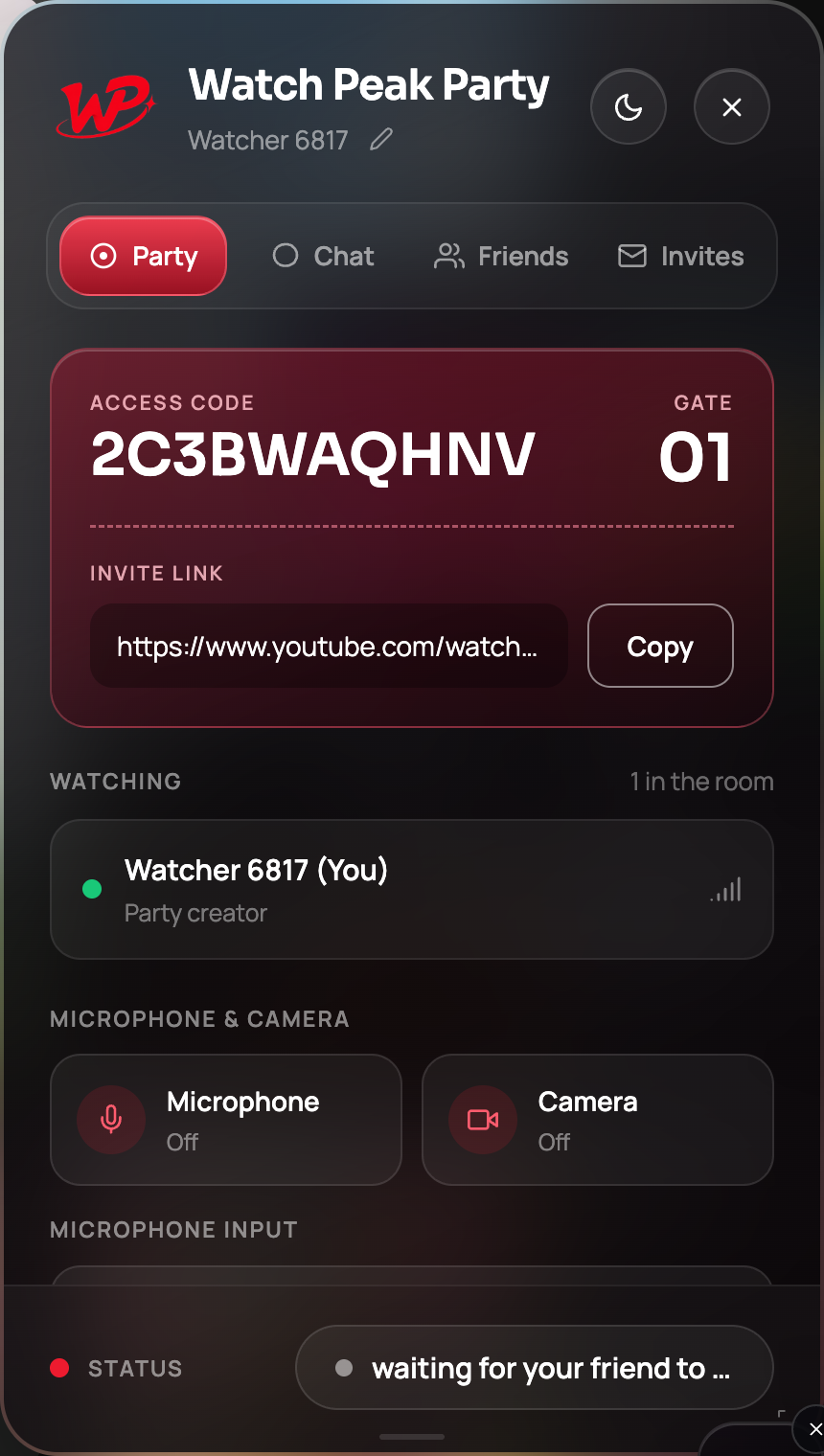
Re-transmitting a stream to other people is a different act from watching it. A synchronised party never transmits video: each person streams their own copy from the service they pay, and the only thing that crosses the network is a position. That is why this approach does not need a caveat, and why the honest version of "how do we watch this together" starts with both of you having access.
Common questions
Why does a shared screen look so bad?
The video is re-encoded for a channel designed for talking heads — low latency, low detail, aggressive quality drops. Film is the opposite of what that is tuned for.
Can I use a call and a watch party at once?
Yes, and some people prefer it. Just do not share your screen as well, and mute the call app’s notification sounds.
Is screen sharing a film ever the better option?
When only one of you has access to it, or when the other person cannot install an extension. Both are real cases.
Does a watch party use less data?
The party itself sends almost nothing. You use whatever the video normally uses — instead of one person uploading video for everybody.
One link. Same second. No screen sharing.
Watch Peak Party keeps YouTube, Netflix, Prime Video, Crunchyroll, Disney+, Hulu, HBO Max and JioHotstar in sync — with chat, voice and video built in.
Add to Chrome