Short answer Let autoplay carry you between episodes, agree on sub or dub first, and use chat rather than voice.
Anime is the format watch parties suit best. Episodes are short enough that a desync is immediately obvious, the simultaneous reaction is most of the point, and a season binge is exactly the case where "start a new party for every episode" would be intolerable. It also has one property no other genre has: you are reading, which changes how two people can talk to each other.
Subtitles change the whole social contract
You cannot read subtitles and hold a conversation. It is not a preference — the two activities use the same channel, and someone talking during a subtitled line means one of you missed the line. This is the single biggest difference between an anime night and a film night.
What follows from it:
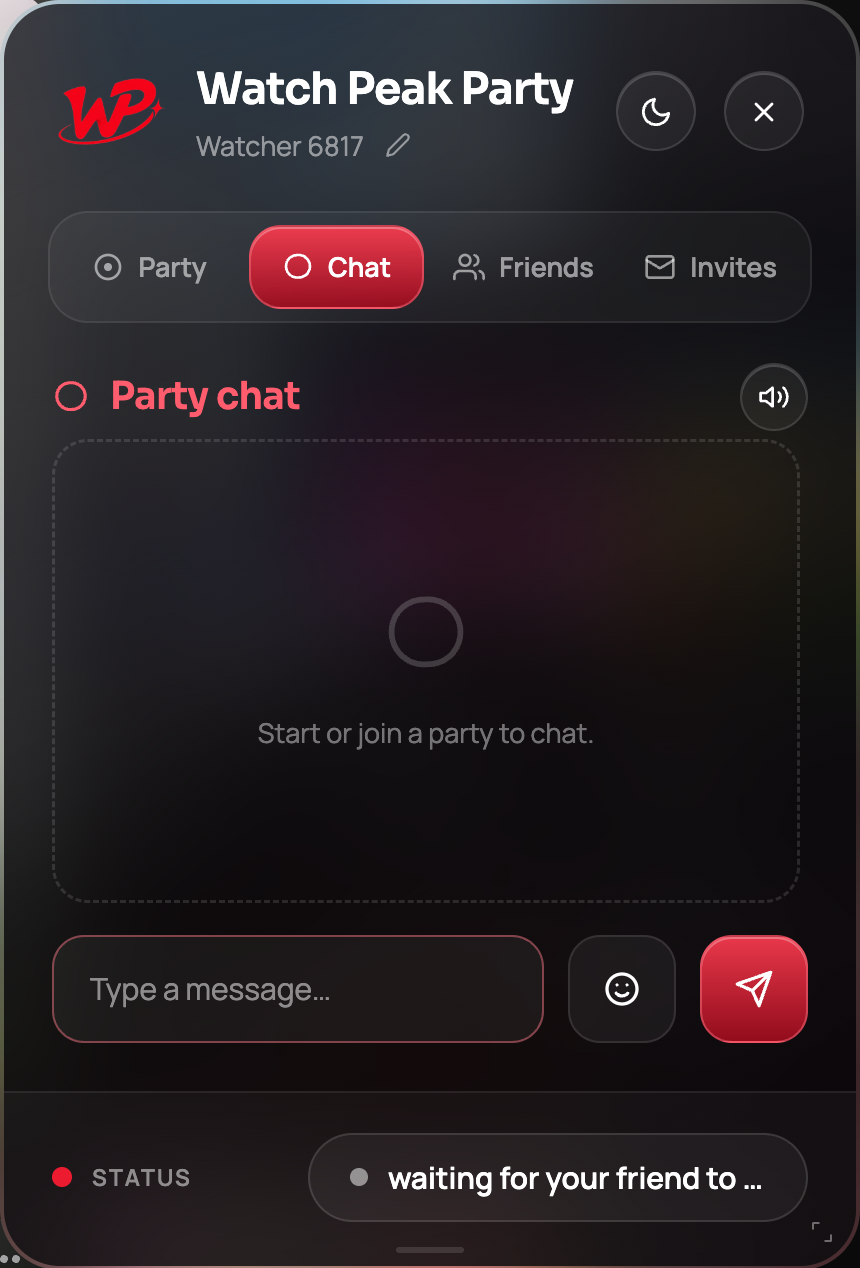
- Typed chat is the default register. A message can be read in a gap, or ignored during a dense scene. Speech cannot be either.
- Push-to-talk for genuine reactions. Hold the key, say the thing, release. The microphone closes on release so the next line stays audible.
- An open microphone is for rewatches only. On a first watch it will cost somebody a plot point.
Audio track is a per-viewer setting and is not synchronised, which is usually a feature. On anime it is a trap: one of you watching the dub and quoting lines the other has not heard is a strange evening. Agree before episode one.
Getting through six episodes without restarting anything
The good news: you do not have to do anything. When one side rolls into the next episode — whether by autoplay or by clicking through — the other side follows the change and re-syncs on the new episode. The room survives, the chat survives, and the invite link is unchanged.
Three practices that make a binge smoother:
- Use the same tab. The party belongs to the tab it started in. Opening episode two in a new tab leaves the party sitting in episode one.
- Agree on the openings. Skipping is a jump and it moves both of you, so it works fine — but decide whether you are a skip-the-OP household before someone skips it on episode one.
- Take a break every three episodes. Press pause; it pauses for both of you. This is also when to catch up on whatever you both typed and did not read.
Where the anime actually is
Crunchyroll is the obvious one and has a full guide of its own, but a season is often spread across services, and all of these are supported:
| Service | Worth knowing for a binge |
|---|---|
| Crunchyroll | The deepest catalogue. Its player runs in its own frame, which the extension handles; free-tier ads are per viewer |
| Netflix | Strong on originals and complete seasons. Post-episode autoplay is per viewer and the party follows it |
| Prime Video | Give the joining side a moment to load before scrubbing — see the Prime guide |
| Hulu | Substantial simulcast catalogue where it is available |
| YouTube | Official channels carry more than people expect, and it is the easiest place to test your setup |
What you cannot do is run one party across two services — a room points at one platform's video at a time. If the season moves, start a fresh party there.
Watching a simulcast the day it drops
Weekly simulcast is the highest-stakes version of this, because the whole point is watching before the internet spoils it. Two practical notes:
- Release times are regional. An episode may be live for one of you and not the other. Check the actual drop time in both places rather than assuming a shared "Saturday".
- Start the party after you both have the episode. A party cannot make an unreleased episode playable, and starting on the series page rather than the episode gives the room nothing to point at.
If your service of choice is not one of the eight, that is worth telling us — which service gets built next is decided by what people ask for.
Common questions
Do we have to restart the party between episodes?
No. The other side follows a video change — including autoplay — and re-syncs on the new episode. The room and the chat survive.
Do subtitles sync between us?
No, and deliberately: subtitles and audio track are per-viewer settings. But agree on sub or dub before you start.
Does skipping the opening sync?
Yes. It is a jump like any other, so it moves both of you.
Can we watch across Crunchyroll and Netflix in one party?
No. A room points at one platform’s video at a time. Start a fresh party on the other service.
Voice or chat for anime?
Chat, on a first watch — you are already reading. Push-to-talk for real reactions, and save the open microphone for rewatches.
One link. Same second. No screen sharing.
Watch Peak Party keeps YouTube, Netflix, Prime Video, Crunchyroll, Disney+, Hulu, HBO Max and JioHotstar in sync — with chat, voice and video built in.
Add to Chrome